
Start training with dojoHUB
Download the app, create your account and begin your Kyokushin training in just a few steps.
download app FAQ1. Download dojoHUB
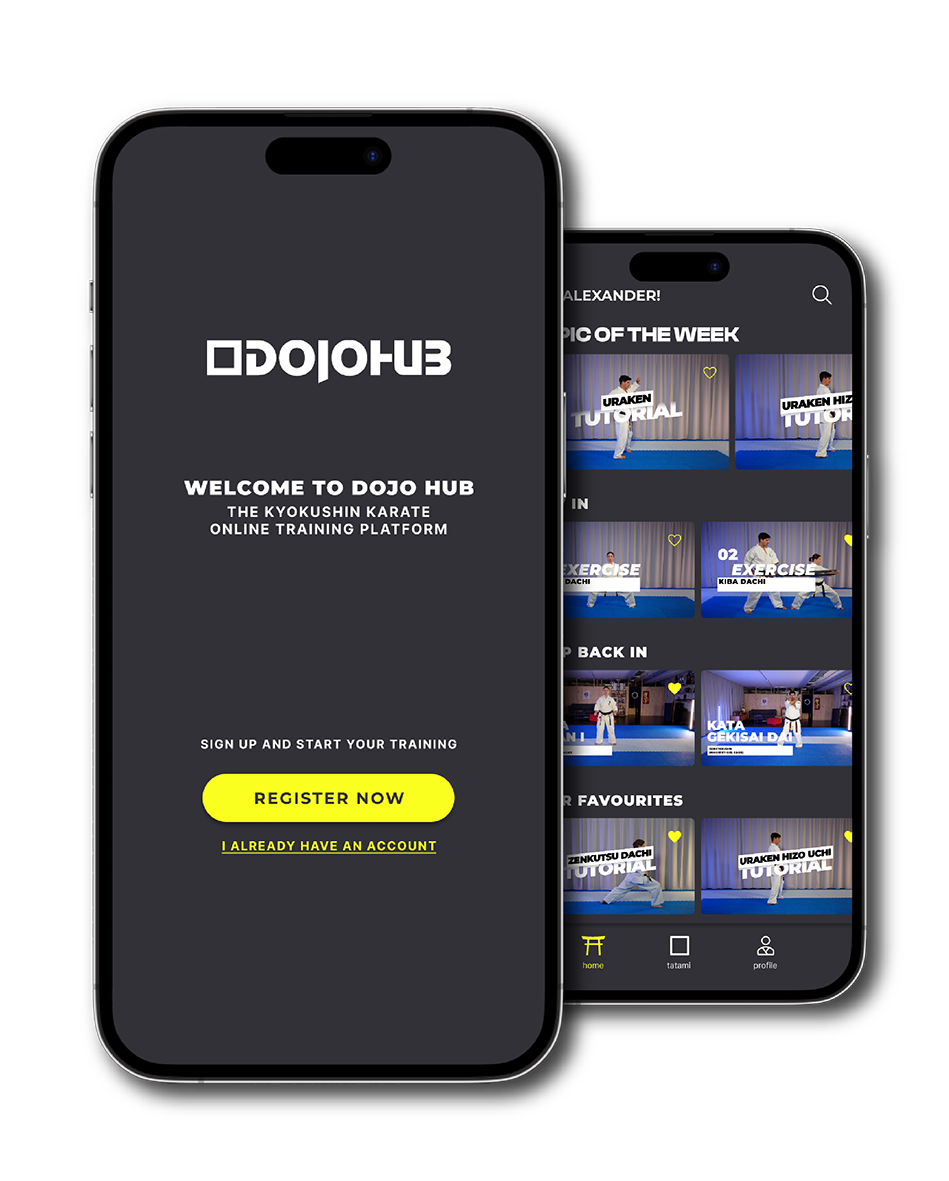
dojoHUB is available worldwide on iOS and Android.
Download the app and get instant access to structured Kyokushin training content — wherever you train.
No payment required to get started.


2. Create your account
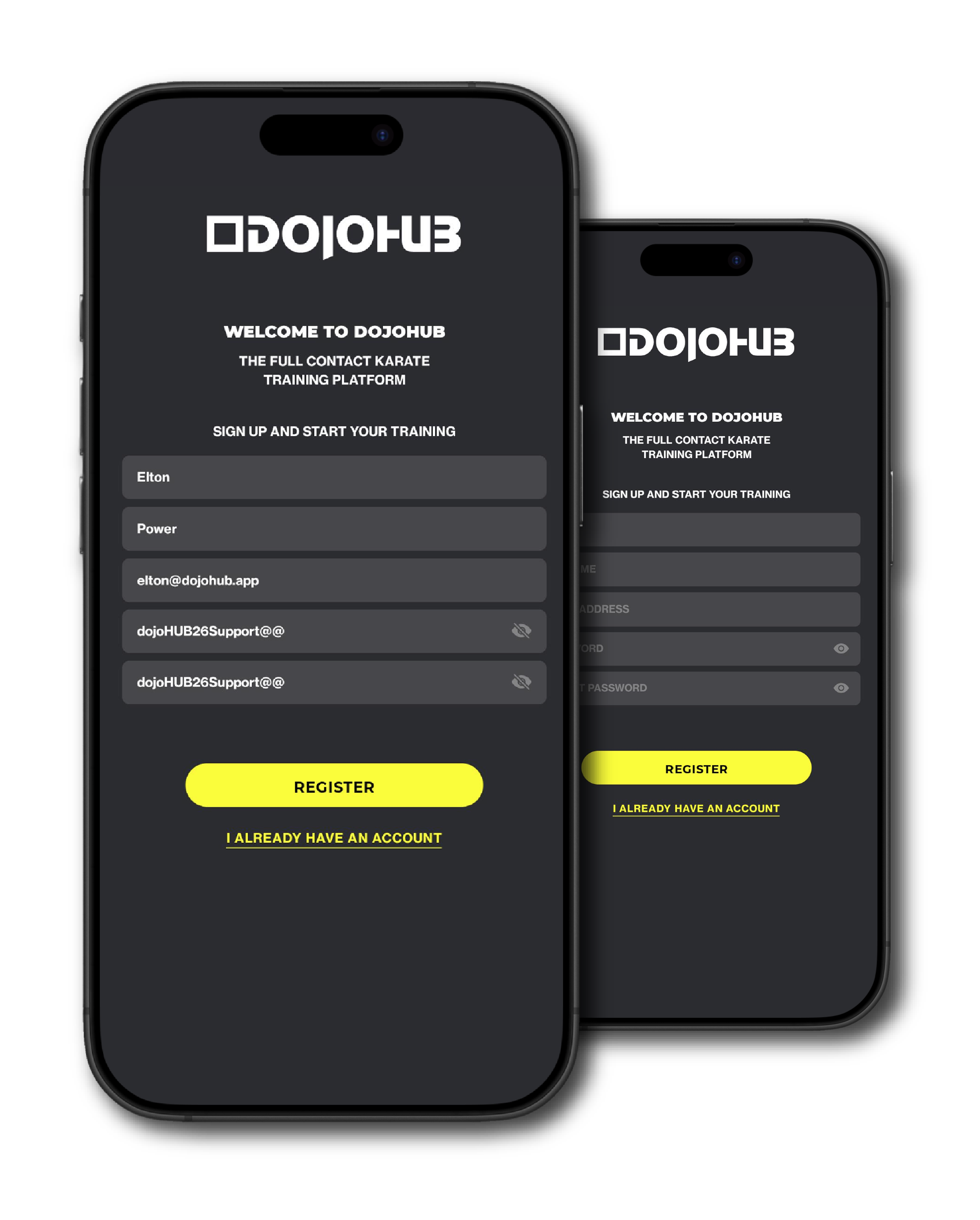
Set up your personal dojoHUB account with your name, email address and password.
- Enter your name and email address
- Create a secure password
- Start training directly after registration
Having trouble creating a password? See password requirements.
Your data stays private and secure.
3. Start as a Free Member
After creating your account, you can immediately explore selected dojoHUB content at no cost.
- Watch selected free training videos, including selected kata videos
- Follow selected curated training sessions
- Explore the platform without entering payment details
The complete step-by-step kata section is available with a paid membership. You can upgrade whenever you are ready.
start free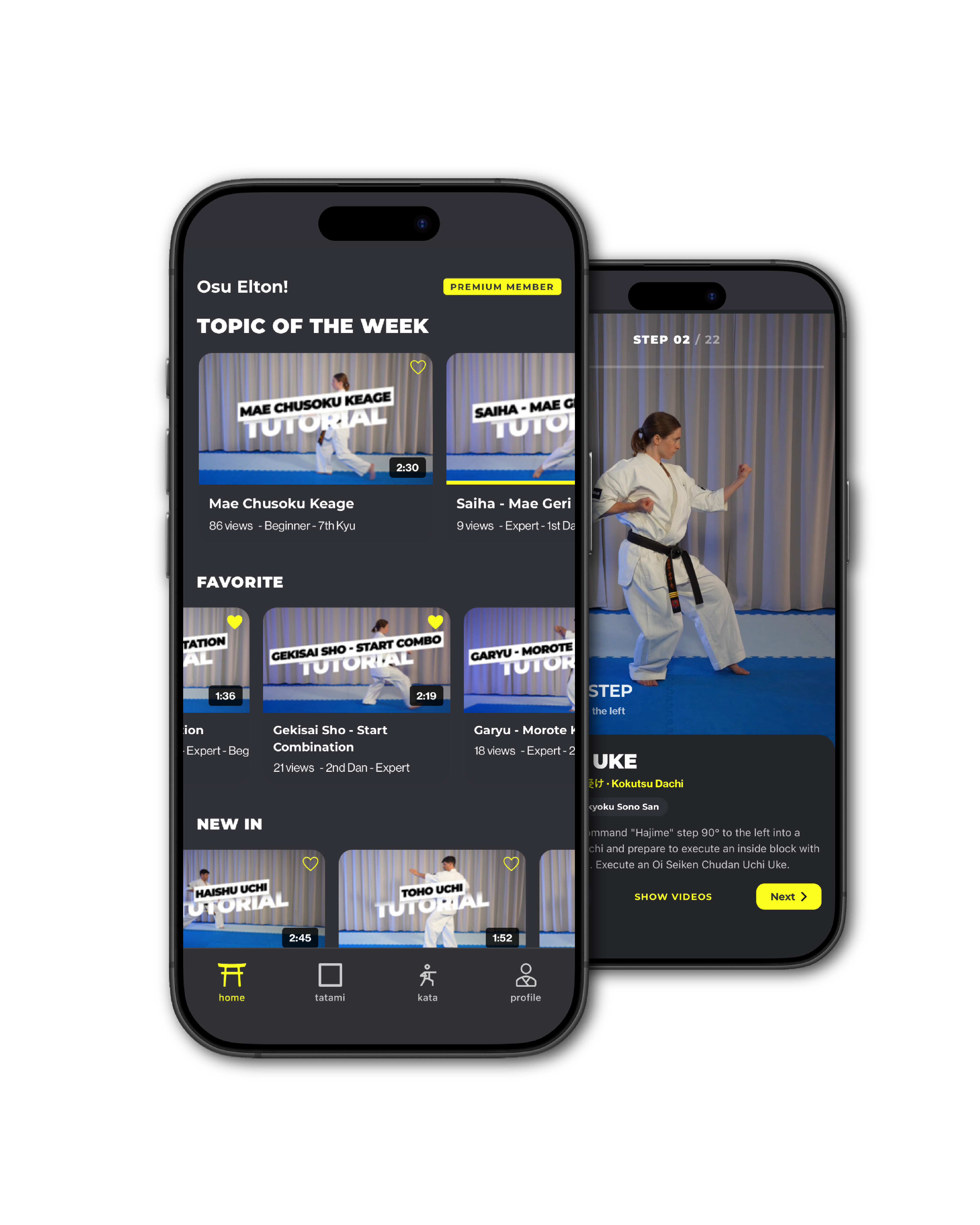
4. Upgrade to Full Access
Upgrade to unlock the complete dojoHUB library of more than 300 videos, all guided training content and the dedicated step-by-step kata section.
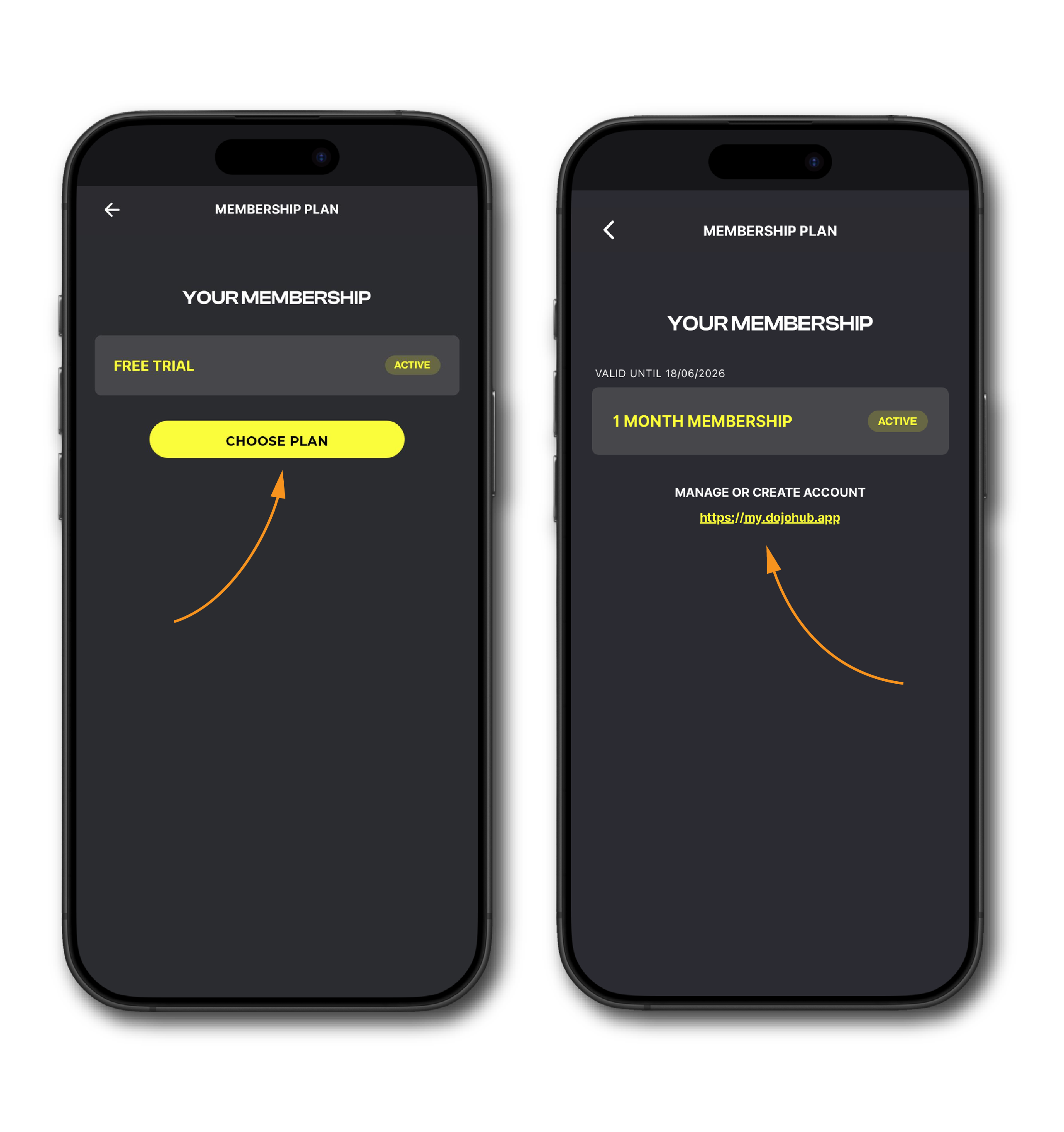
- Go to Profile → Membership Plan
- Choose your preferred membership
- Complete the secure checkout at my.dojohub.app
- Return to dojoHUB using the same account
- Open the Kata tab and start exploring
Flexible memberships. Cancel anytime.
One year of dojoHUB works out to about €2.31 per week.*
That is roughly one takeaway coffee — except the training lasts all week ;-).
5. Personalise your profile
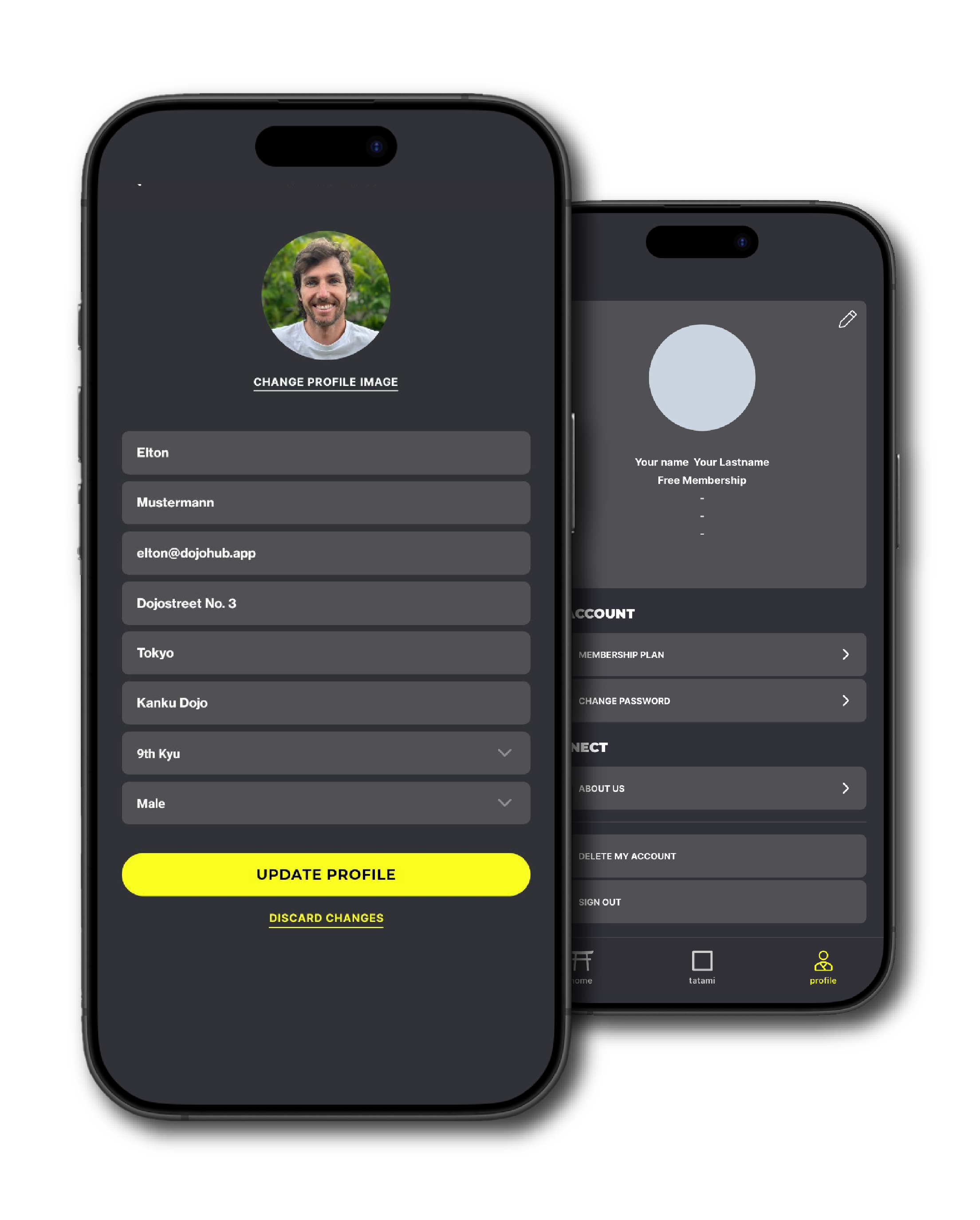
Add your profile picture, dojo and current Kyokushin grade to personalise your dojoHUB experience.
- Update your name and email address
- Change your password
- Manage your membership
Your account settings and membership options can be accessed from your profile.
6. Changing your membership
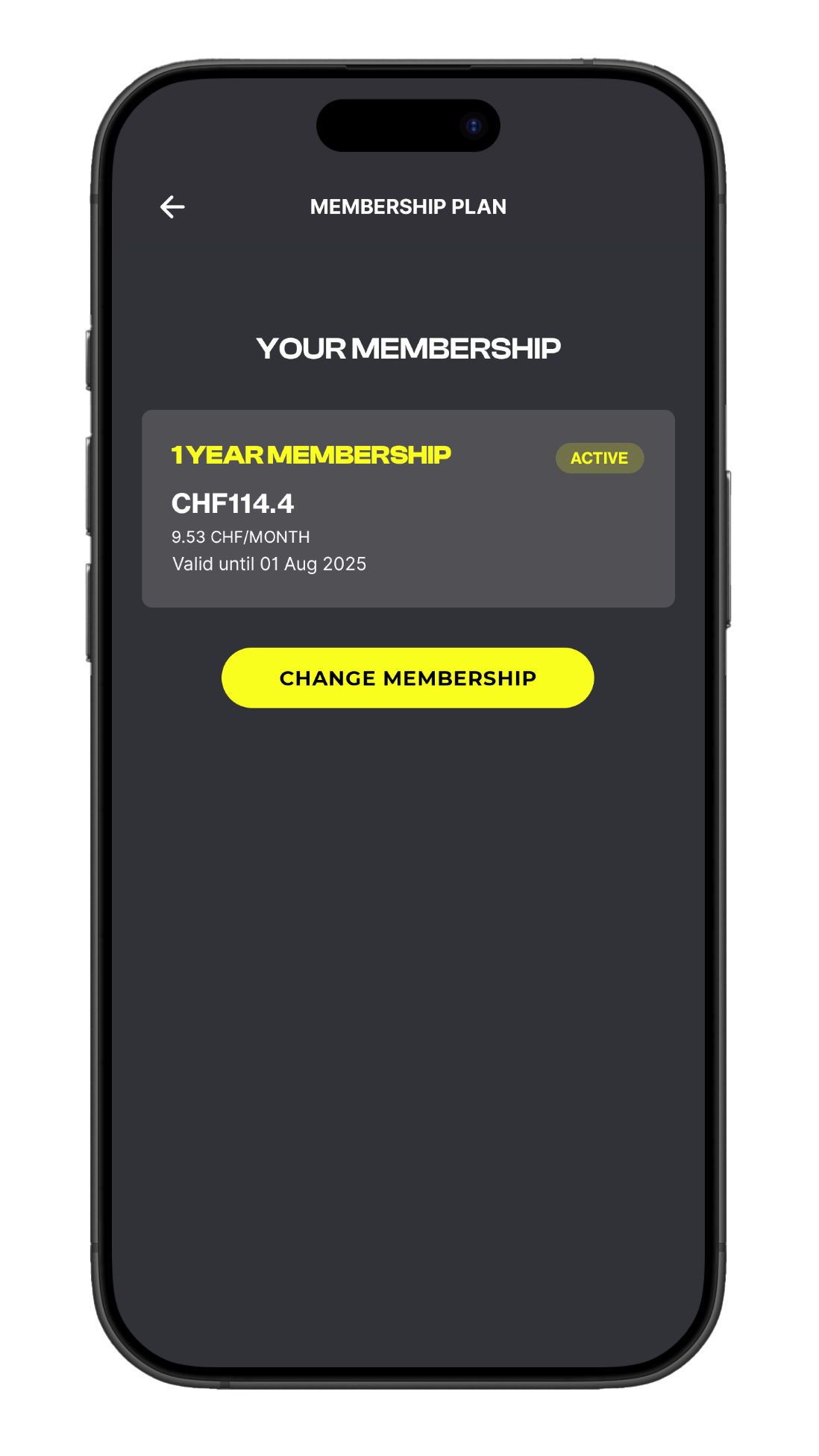
You can switch to another membership anytime.
If you buy a new plan while your current membership is still active, your current access continues until the end of its term. The new plan starts automatically afterwards.
No training time is lost.
Step on the tatami
Start with selected free content or choose a paid membership to unlock the complete library and step-by-step kata section.
Train with structure, inspiration and high-quality Kyokushin instruction — wherever you are.
start free view plans
Common questions
Need help getting started? Here are the most important answers.
Download dojoHUB from the Apple App Store or Google Play Store and open the app.
Tap "I don't have an account" and enter your name, email address and password.
After registration, you can immediately explore selected videos and curated training sessions as a Free Member.
Your password must contain:
- At least 10 characters
- At least one letter
- At least one number
- At least one special character, such as ! ? % #
Example: Hello1234!
Open the dojoHUB app and tap Forgot password? on the login screen. Enter your email address and follow the instructions we send you by email.
If you do not receive the email, please check your spam folder and make sure you entered the same email address you used for registration.
Open dojoHUB and go to Profile → Membership Plan.
Choose your preferred membership to unlock more than 300 videos, all guided training content and the complete step-by-step kata section.
Checkout opens securely in your browser at my.dojohub.app.
Since January 21, 2026, membership checkout opens in your browser at my.dojohub.app.
This is part of the official dojoHUB membership flow and allows you to complete your purchase securely.
After completing your membership, just return to the dojoHUB app and log in with the same account.
If you have a coupon code, you can redeem it during the membership checkout process.
To access the checkout:
Profile → Membership Plan → Choose Plan / Manage Account
You will then be redirected to my.dojohub.app.
On iPhone/iPad (Apple devices), you may need to sign in again due to Apple restrictions.
On Android devices, you will usually be redirected automatically without another login.
After logging in, select the membership plan you would like to purchase (or the membership your coupon applies to). Before completing payment, click “Add promotion code” and enter your coupon code.
The discount will be applied before payment. If your code does not work, please check that it is still valid and entered exactly as shown.